Your first request is your setup

You opened a Gearflow account because something needs to move. A machine is down and you need the part. A job starts soon and you need equipment on it.
So the account starts there. The new onboarding opens with an assistant, and the first thing it asks is what you need.
Say what you need
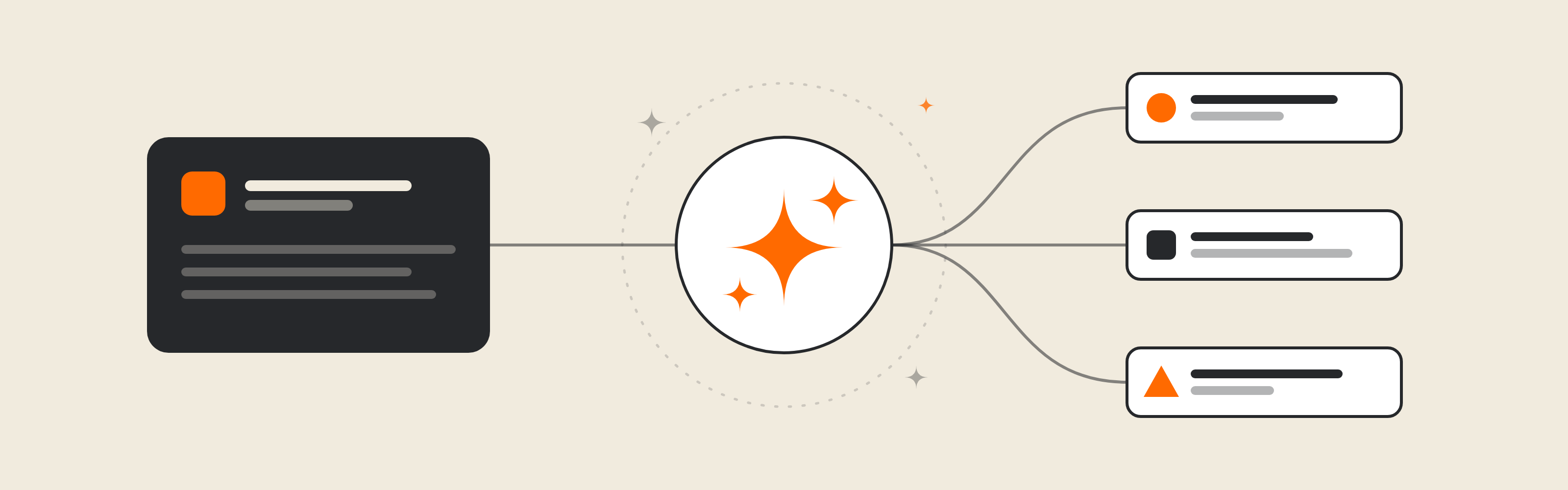
Tell it in your own words: the part or the piece of equipment, and what it is for. If you are not sure how to begin, starter prompts show the kinds of requests it can take.
The assistant then asks for the details this request needs, and only those. Which unit is the part for? Which job is the equipment going to? Who should get the request? The questions come as cards, so you answer one and move on.
The records get made as you go
If the job is not in your account yet, the assistant makes it with the request. The same goes for a place. You do not leave the request to build them first.
Vendors work the same way. If the vendor you want is not in your account, you add it inside the request. That holds for a parts vendor, a service shop, a hauler or a rental house.
Each time the assistant makes something, it gives you a link to the record. You can open it, check it, and correct anything that is off.
Then the request goes out.
The second request is shorter
What you entered stays. The vendor you added for the first request is offered on the next one, whatever type of request it is, and Gearflow asks for that vendor's email only once. The job and the unit are already there.
After a few requests, the account holds the people, vendors, units and jobs you really work with. Each one came in with a request that needed it, so you never had to guess what to enter.
Two details help while the account is still thin. A new ticket with no routing goes to your account admin as its owner, so it does not sit unseen. And when you add a unit, the category list offers the full catalog, so you can pick the right category even if your account has never used it.
Start with the request
You do not have to finish a setup before Gearflow does work for you. Say what you need, answer a few questions, and the request goes out. The job, the vendor and the unit you named are saved, so your next request starts with them.
If you already have a fleet list and a vendor list, the step-by-step setup is still there on its own page. Use it when you want to load everything at once.
Ready to send your first request? Sign up and start now, or book a demo and our team will show you a first request on a blank account.